
Photos and videos from your own pictures
AI Christmas Photo Generator
Turn an everyday family, selfie or pet photo into a Christmas keepsake that still looks like you. Then make it move.
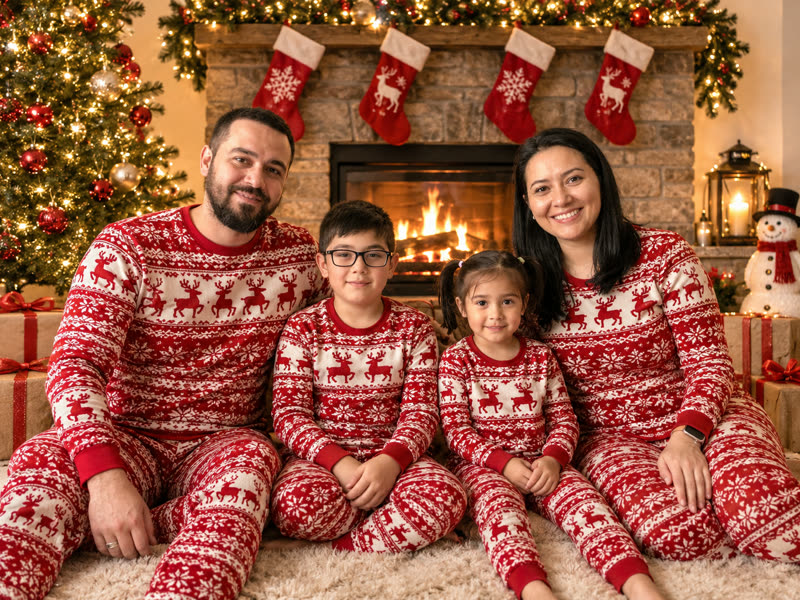
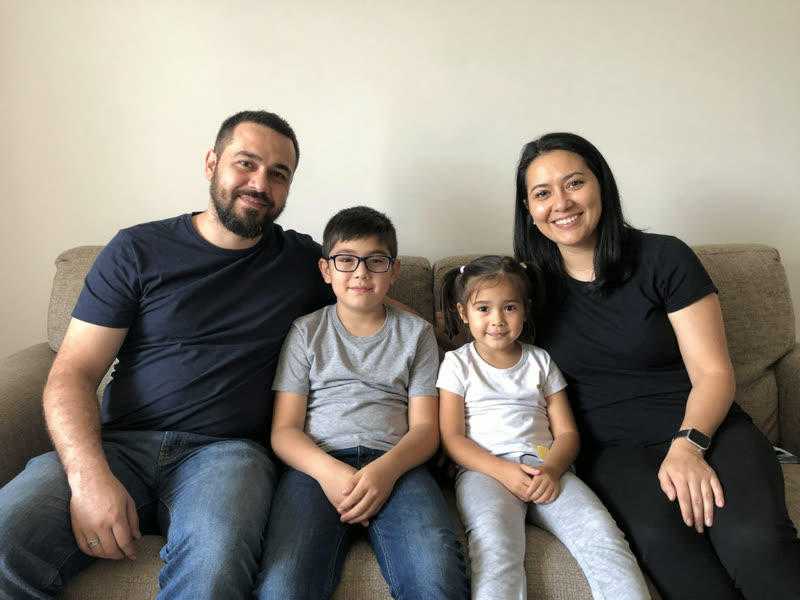
From an everyday photo to a Christmas keepsake
Real results from the generator, unedited. The people and pets in these samples are AI-generated test subjects, not customers.
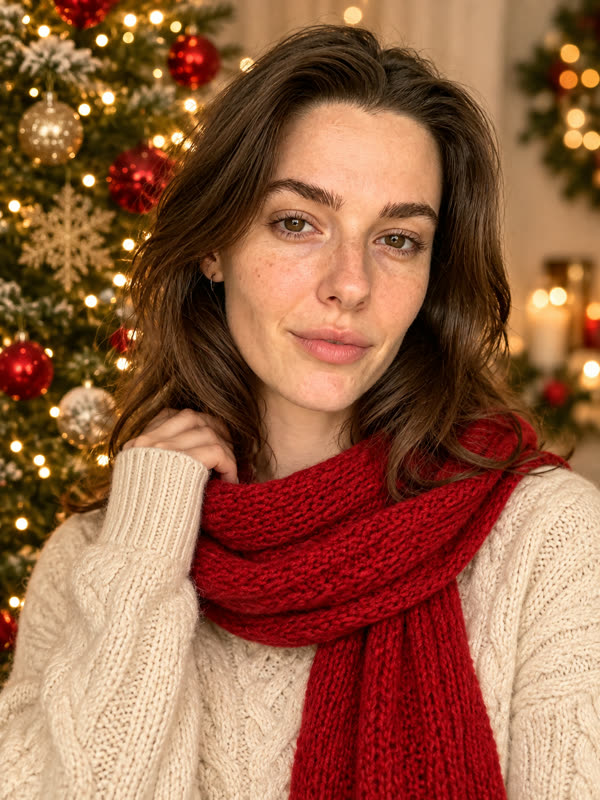
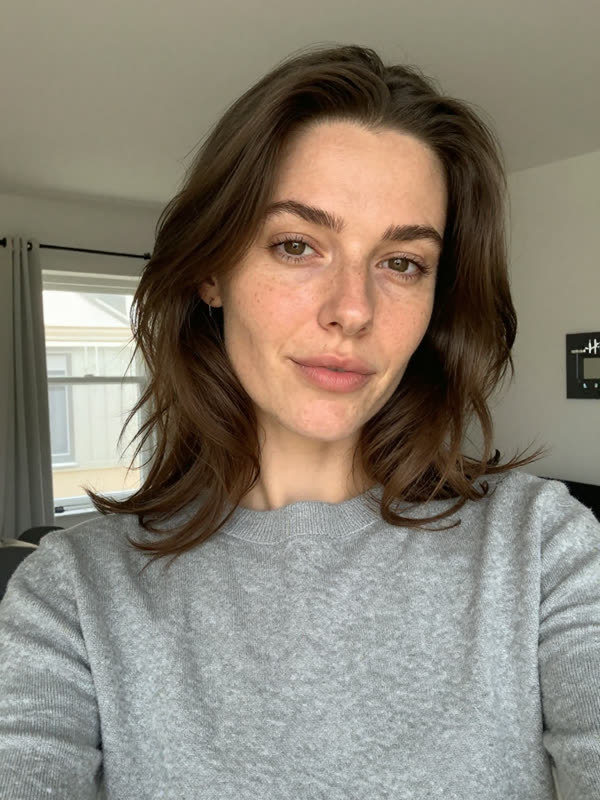
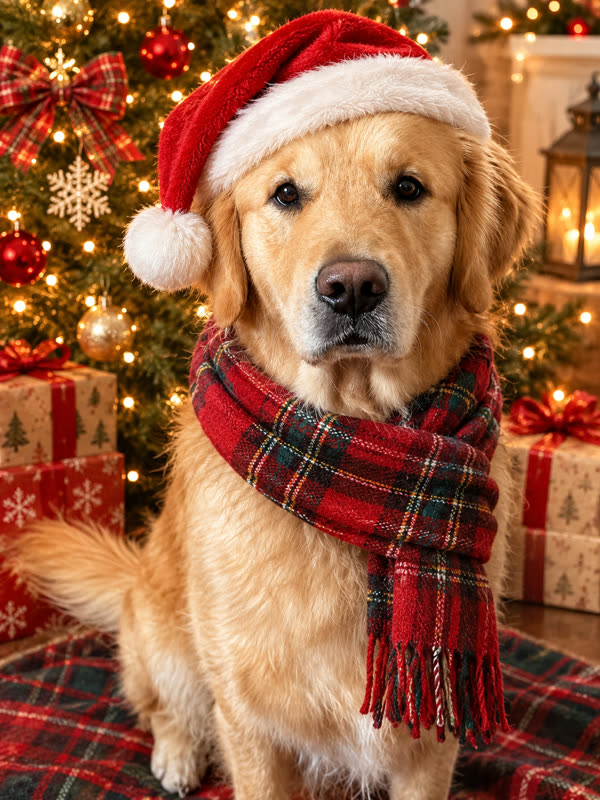
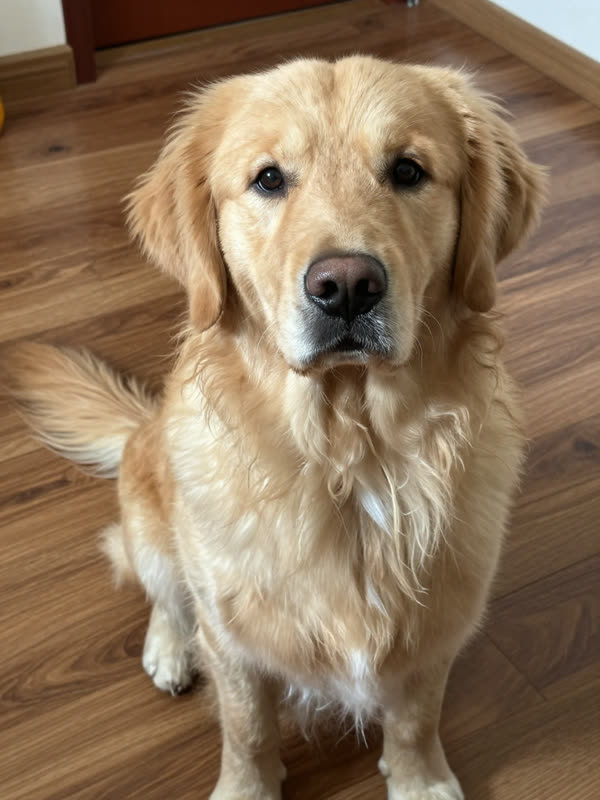
Then bring it to life
How it works
Three steps, about five minutes for a photo and a video.
- 1
Pick a Christmas template
People, pets, or you with your pet. Fourteen tested scenes, from matching pajamas to a 1990s film still.
- 2
Upload your photo
A clear, well-lit photo where faces are easy to see works best. One person or the whole family.
- 3
Download, or make it move
Get your photo in about one to four minutes. Like it? Turn it into a 5 or 10 second video with sound.
Made for photos you'll actually keep
Every template was tested for one thing first: does it still look like you?
Still looks like you
Prompts lock faces, ages, glasses and beards, so the result keeps the people you uploaded. AI can still miss small details.
Whole-family photos
Upload one family photo and everyone appears in the same Christmas scene, in matching outfits.
Pets welcome
Santa hats, tiny Santa suits and gift boxes for dogs and cats, keeping their real markings.
No prompts to write
Pick a scene and we handle the rest. Nothing to learn and nothing to copy from a tutorial.
Photo to video
Animate a finished photo into a 5 or 10 second clip with Kling 4.0, with AI-generated sound.
Family-friendly by design
Every outfit is modest and every scene is preset. There's no free-text prompt, and files are deleted after 30 days.
Questions
What people ask before making their first Christmas photo.